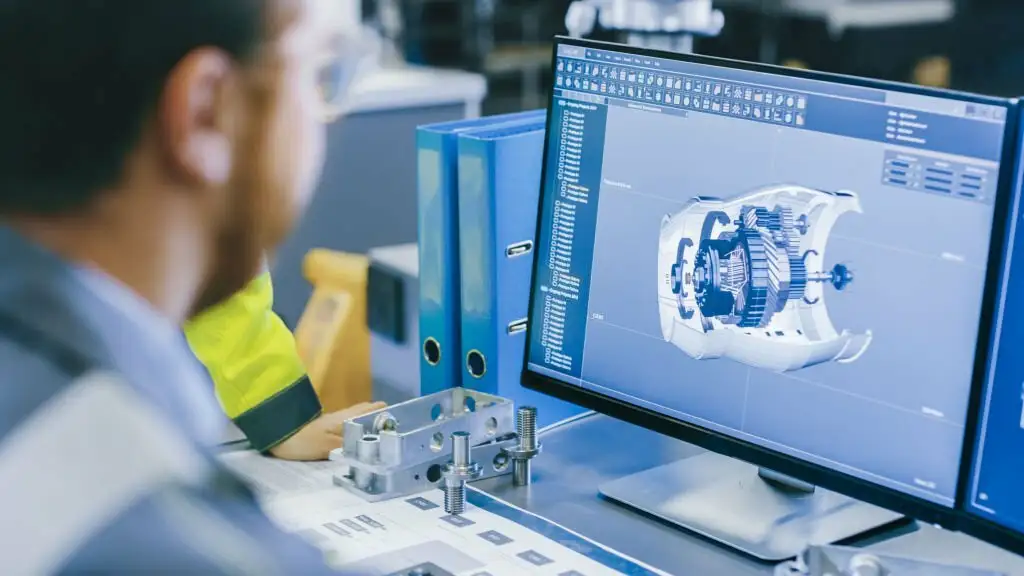
3D CAD (Computer-Aided Design) is a fundamental technology and approach used in engineering, architecture, product design, and various industries for creating detailed, three-dimensional models of objects, components, or systems. Here are some fundamental concepts and key aspects of 3D CAD:
- Three-Dimensional Modeling: 3D CAD software allows users to create three-dimensional models of objects, structures, or systems. This is in contrast to 2D CAD, which deals with two-dimensional representations.
- Parametric Design: Many modern 3D CAD software applications use parametric design principles. This means that objects are created by defining parameters and relationships, allowing for easy modification and updating of the design. For example, you can change the dimensions of a part, and the software will automatically adjust related features and dimensions.
- Sketching and Sketch Constraints: The design process often starts with 2D sketches. CAD software enables users to create sketches and apply geometric and dimensional constraints to control the shape and size of the sketch.
- Extrusion and Revolving: Once a sketch is created, it can be extruded (pulled) to create a three-dimensional object or revolved (rotated) around an axis to create a rotational body. These operations are fundamental in creating parts and components.
- Assemblies: CAD software allows for the creation of assemblies, where multiple parts or components are combined to form a complete system. Designers can establish relationships between parts, such as mating, aligning, or defining motion.
- Constraints: Constraints in 3D CAD are used to control the position and orientation of objects within a model or assembly. Constraints ensure that parts fit together as intended and move correctly.
- Visualization: 3D CAD software provides tools for visualizing the model in three dimensions, including options for realistic rendering, shading, and lighting. This helps designers and stakeholders to better understand the final product.
- Analysis and Simulation: Many 3D CAD programs have built-in analysis and simulation tools. These can be used to evaluate factors like stress, fluid flow, or heat transfer to ensure that the design meets performance requirements.
- File Management: CAD software typically includes file management features that help users organize and manage their designs efficiently. It may also allow for version control and collaboration with others.
- Export and Documentation: 3D CAD models can be exported to various file formats for sharing with others or for manufacturing purposes. Additionally, CAD software can generate detailed 2D drawings with dimensions and annotations for manufacturing and construction.
- Collaboration and Integration: Many 3D CAD systems support collaboration by allowing multiple users to work on a design simultaneously. They can also integrate with other software tools, such as product lifecycle management (PLM) and computer-aided manufacturing (CAM) systems.
- Industry Standards: Different industries may have specific standards for 3D CAD models and drawings, such as ASME Y14.5 for dimensioning and tolerancing in mechanical design.
- Training and Skills: Using 3D CAD software effectively requires training and skill development. Designers and engineers need to become proficient in the specific CAD application they are using and understand engineering principles.
3D CAD is a fundamental tool for modern design and engineering, offering advantages in terms of efficiency, accuracy, and collaboration. It plays a critical role in the product development process, from conceptual design through to manufacturing and maintenance.